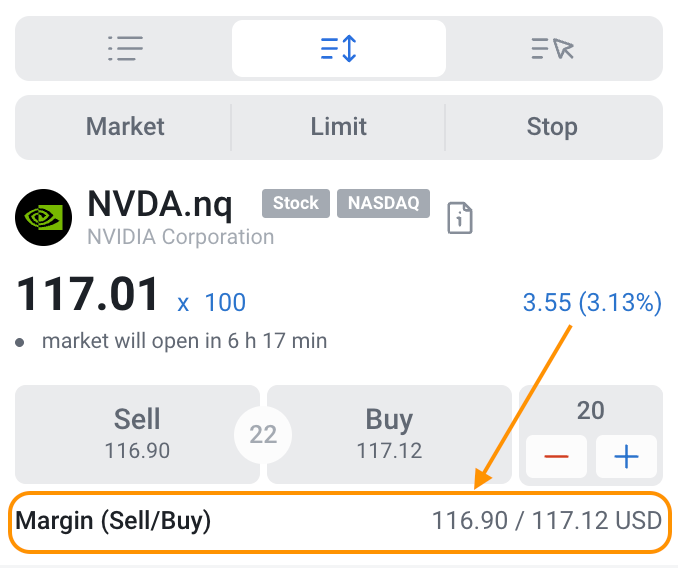
To determine the required margin for opening a position, follow these steps:
1. Log in to the platform.
2. Use the search bar in the top left corner (web platform) to find your desired instrument, or select one from the list.
3. Adjust the volume in the right-hand sidebar.
4. Below the volume, you will find the Margin (Sell/Buy) section, displaying the required margin. You can modify the volume or choose a different instrument to check the margin for other options.