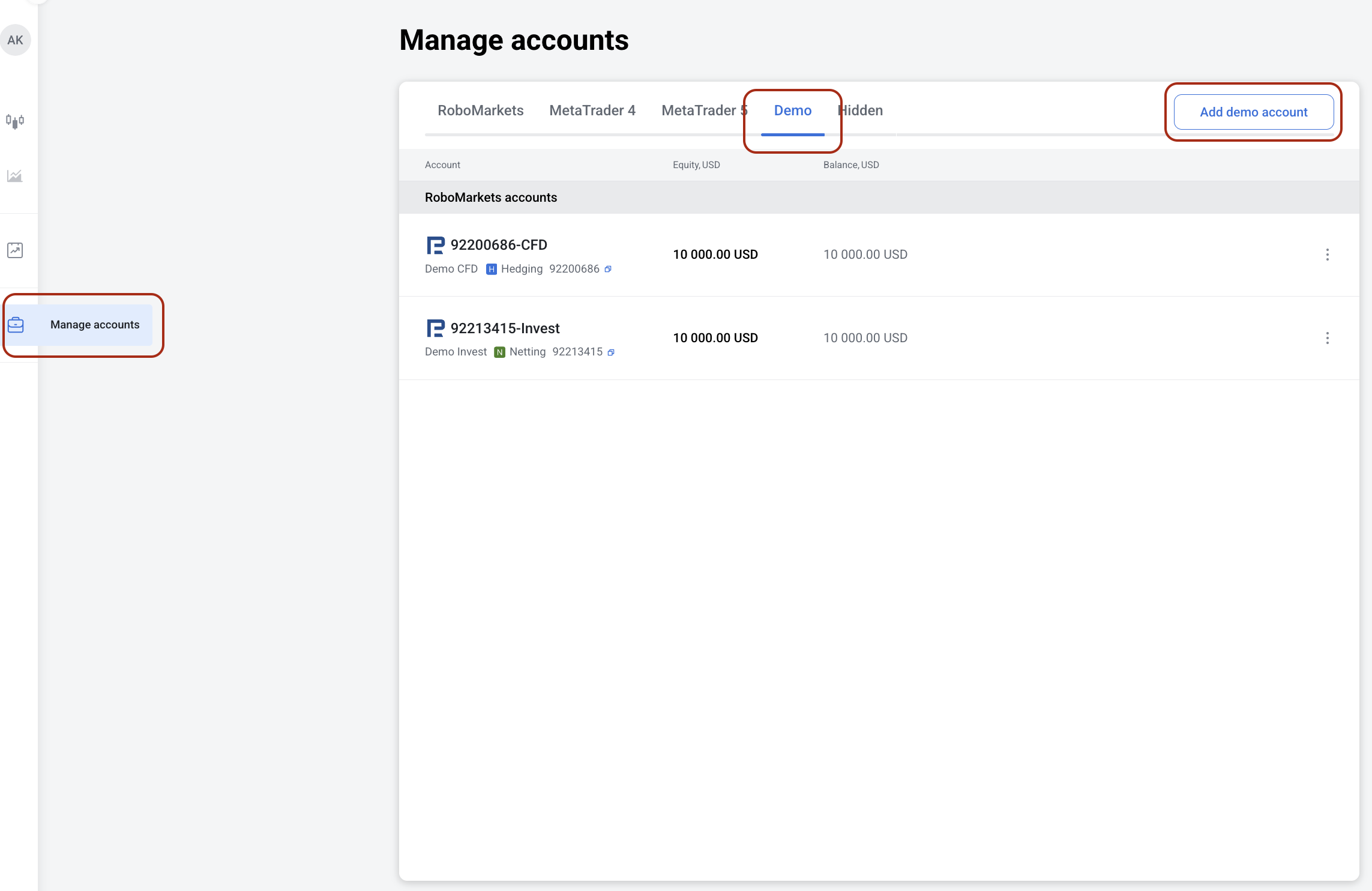
1. Go to Manage accounts in the left menu.
2. Choose the Demo tab, then MetaTrader 4/5, and account type.
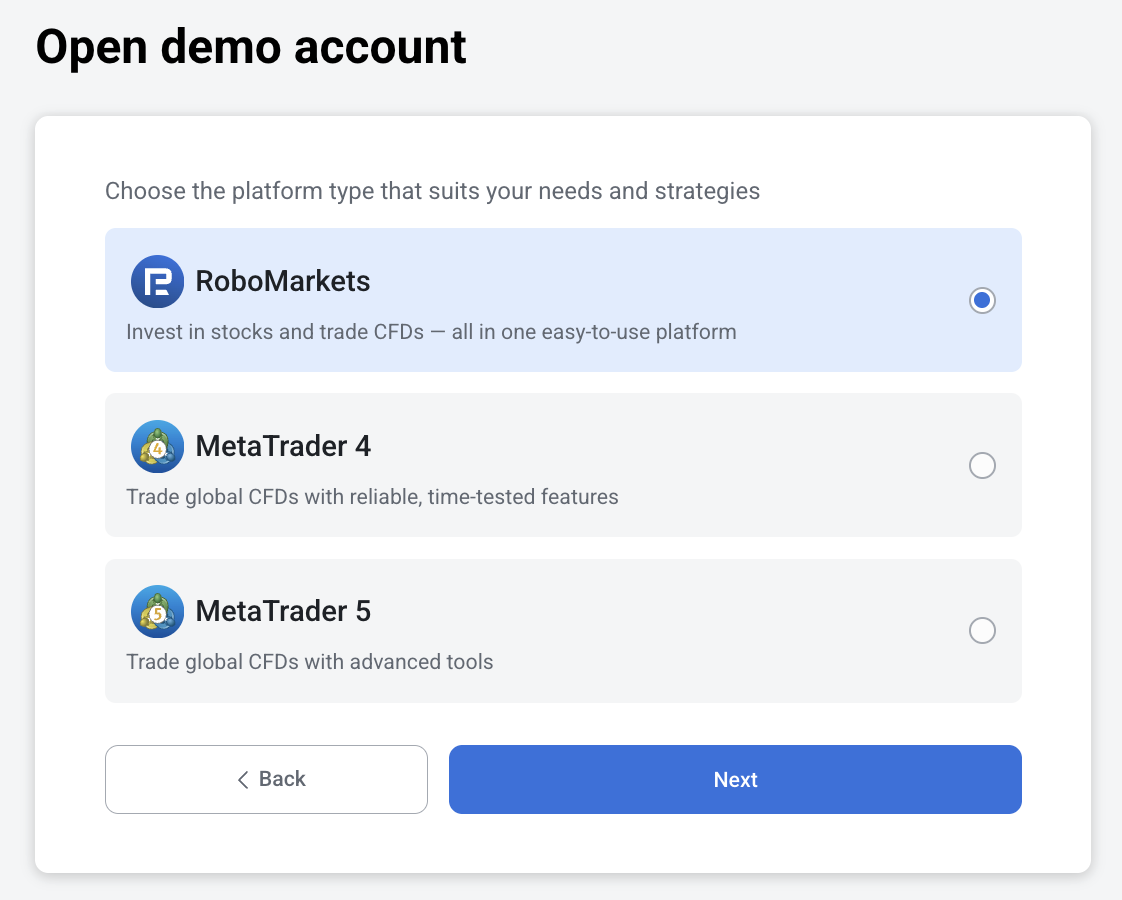
3. Click Confirm.
4. The account will be automatically funded with $10,000.
1. Go to Manage accounts in the left menu.
2. Choose the Demo tab, then MetaTrader 4/5, and account type.
3. Click Confirm.
4. The account will be automatically funded with $10,000.
That’s Great!
Thank you for your feedback
Sorry! We couldn't be helpful
Thank you for your feedback
Feedback sent
We appreciate your effort and will try to fix the article